
OKAY now I’m back here using Arduino to control LEDs.
I connect GPIO.25 on RPI with Arduino Pin 8. Remember to connect GND to GND to get them synchronised。While RPi is a loop sensing the RF signal input, once it need to blink LED, it generates a Pulse to Arduino. Then Arduino will execute the Blinking LED loop, at the same time RPi is playing sounds stored in its memory initially.

How to use RPI GPIO(General Purpose Input Output) you can find information here.

I write a python code named pumpkin.py. Then can use
sudo python pumpkin.py
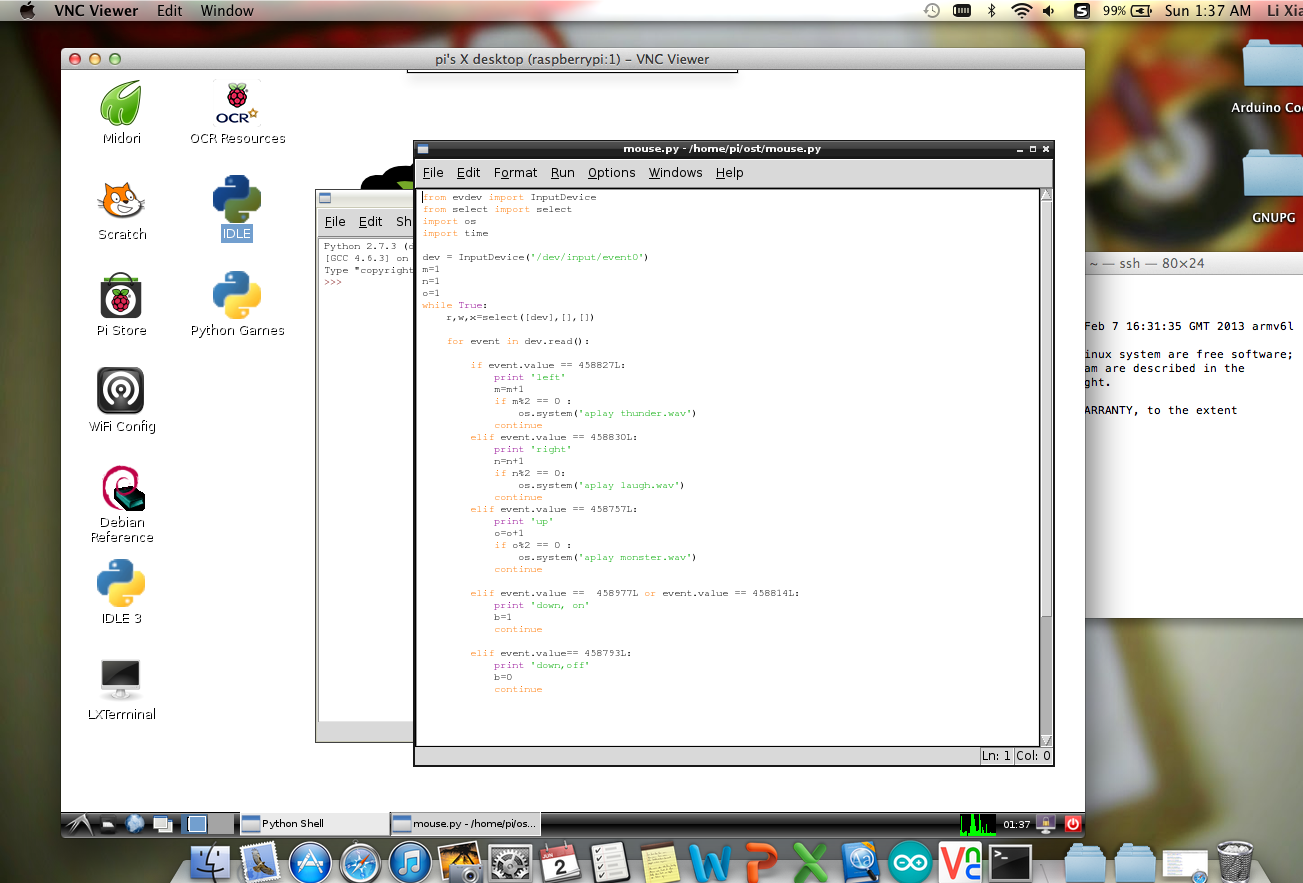
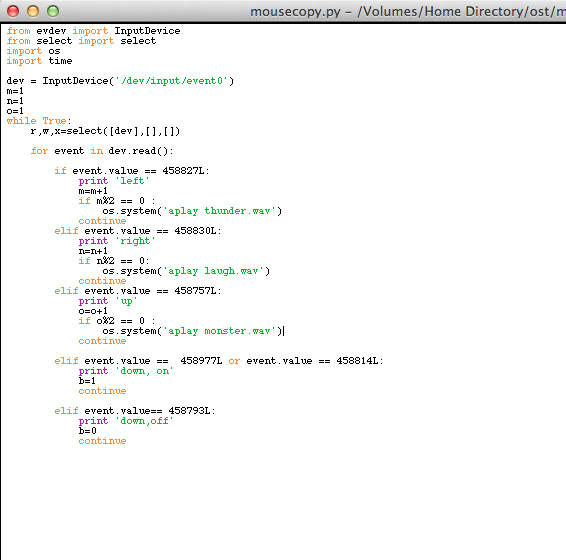
Below is the code that can perform the functions of sensing RF signals, playing sounds and ask Arduino to blink LEDs at the same time.
I add one more function, use the down button on controller to stop the loop and exit the program.
from evdev import InputDevice
from select import select
import os
import time
import RPi.GPIO as GPIO
dev = InputDevice(‘/dev/input/event0’)
m=1
n=1
o=1
b=1
GPIO.setmode(GPIO.BCM)
GPIO.setup(25,GPIO.OUT)
GPIO.output(25,GPIO.LOW)
def blink():
GPIO.output(25,GPIO.HIGH)
time.sleep(0.1)
GPIO.output(25,GPIO.LOW)
return
while b==1 :
r,w,x=select([dev],[],[])
for event in dev.read():
if event.value == 458827L:
print ‘left’
m=m+1
if m%2 == 0 :
blink()
os.system(‘aplay thunder.wav’)
continue
elif event.value == 458830L:
print ‘right’
n=n+1
if n%2 == 0:
blink()
os.system(‘aplay laugh.wav’)
continue
elif event.value == 458757L:
print ‘up’
o=o+1
if o%2 == 0 :
blink()
os.system(‘aplay monster.wav’)
continue
elif event.value == 458977L or event.value == 458814L or event.value== 458793L:
print ‘down, off’
b=0
continue




 Christina's PKB